Lipochat Lipochat

Desktop & mobile apps

Download Lipochat

Install for Mac, Windows, Android, or iOS. Sign in with your Lipochat email & password — same inbox as the web panel.

MACOS · MAIN

Lipochat for Mac

Mac installer · LIPOCHAT-MACOS.DMG

Requires: macOS 11 Big Sur or newer

Chips: Apple Silicon (M1–M4…) and Intel Macs that can run macOS 11+

Compatible Macs
  • All Apple Silicon Macs (M1 / M2 / M3 / M4…)
  • MacBook (2015 or later)
  • MacBook Air (2013 or later)
  • MacBook Pro (Late 2013 or later)
  • Mac mini (2014 or later)
  • iMac (2014 or later)
  • iMac Pro (2017)
  • Mac Pro (2013 or later)
  • Mac Studio (all models)

Based on Apple’s macOS 11 Big Sur compatibility list. Older Macs that cannot run Big Sur are not supported.

Sign in with: your Lipochat web account email & password

Lipochat-macos.dmg

  • Open the DMG and drag Lipochat into Applications
  • Launch Lipochat from Applications (or Spotlight)
  • If blocked: System Settings → Privacy & Security → Open Anyway
  • Sign in and open Inbox
⬇ Download for Mac
WINDOWS · MAIN

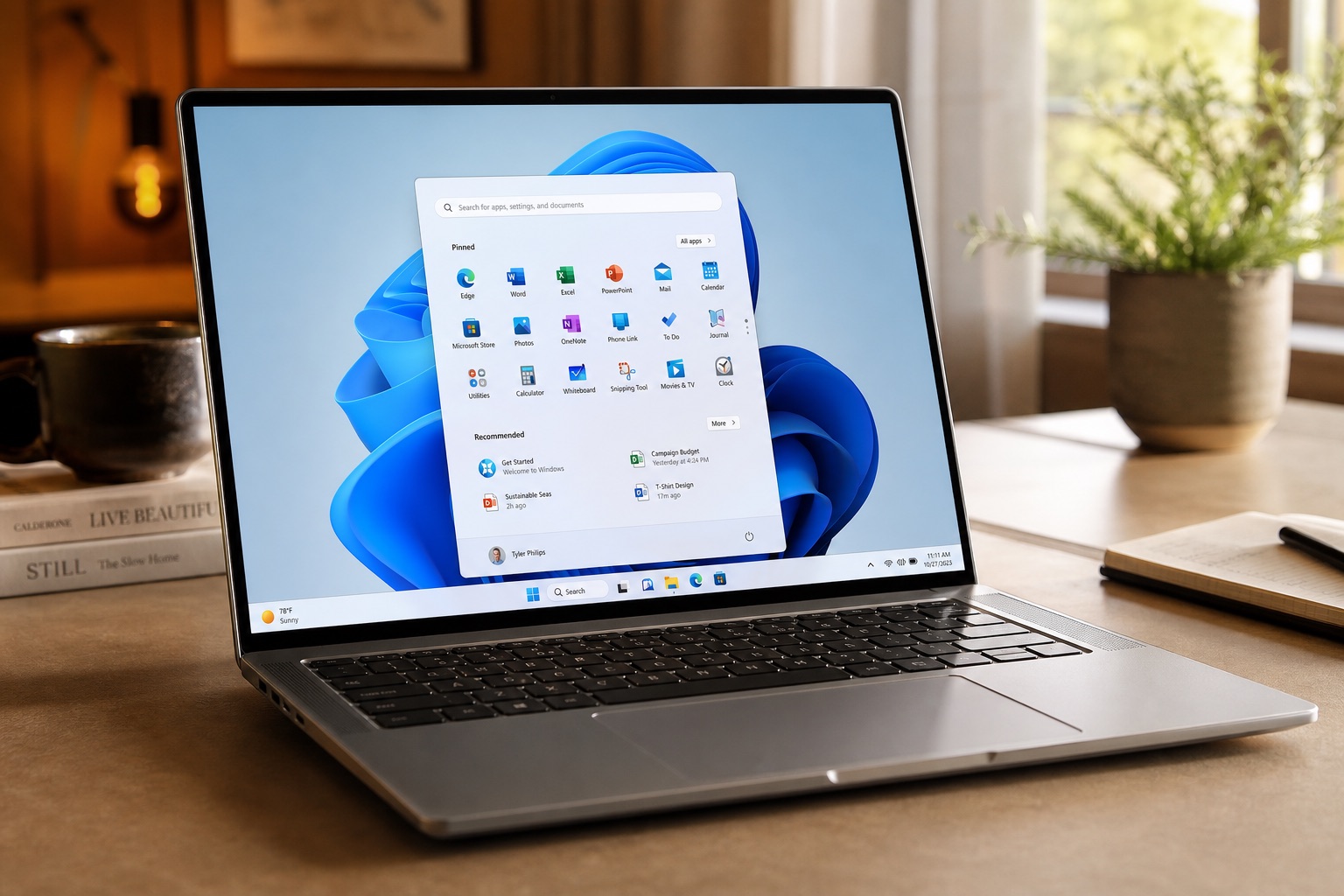
Lipochat for Windows

Windows installer · LIPOCHAT.EXE

Works on: Windows 10 / 11 (64-bit)

Includes: required Microsoft Visual C++ runtime (no separate install needed)

Sign in with: your Lipochat web account email & password

Lipochat.exe

  • Download and run the installer — you're ready to use
  • Required Windows runtime is installed automatically
  • If SmartScreen appears: More info → Run anyway
  • Sign in and open Inbox
  • Rare fallback only: if the app still won't start, install VC++ Redistributable (x64)
⬇ Download for Windows
ANDROID · APK

Lipochat for Android

Direct APK · LIPOCHATNEWAPK.APK

Works on: Android phones & tablets

Allow install from unknown sources if prompted, then sign in.

lipochatnewapk.apk

  • Download the APK
  • Install and open Lipochat
  • Sign in with panel email & password
⬇ Download APK
IOS · DEV

Lipochat for iOS

Unsigned build · DEV ZIP

Note: Unsigned iOS build for development installs. Apple Developer codesign is required for TestFlight / App Store.

  • Download the iOS zip
  • Install with your Apple Developer workflow
  • Sign in to the live Lipochat API
⬇ Download iOS